
Precision picker
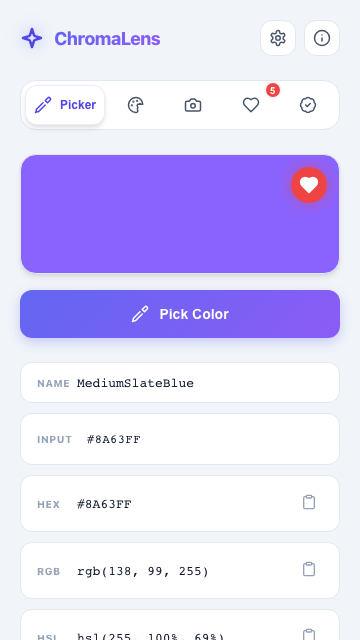
Native EyeDropper on Chromium, with a screenshot-based fallback and an 8x magnifier loupe on Firefox and Safari. Copy hex, RGB, or HSL in one click.
Free, open-source color toolkit for Chrome, Edge, and Firefox. Pick pixels, extract palettes from any page, and audit WCAG contrast.
 EdgeFirefox
Picker, extraction, harmony, and audit. No account, no telemetry, no runtime dependencies.
Native EyeDropper on Chromium, with a screenshot-based fallback and an 8x magnifier loupe on Firefox and Safari. Copy hex, RGB, or HSL in one click.
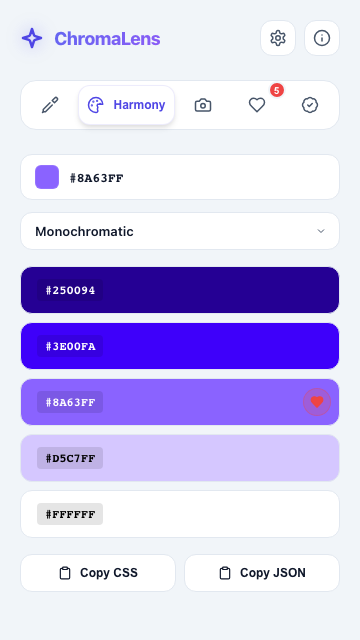
Complementary, analogous, triadic, split, tetradic, square, and monochromatic. Generated from any color.
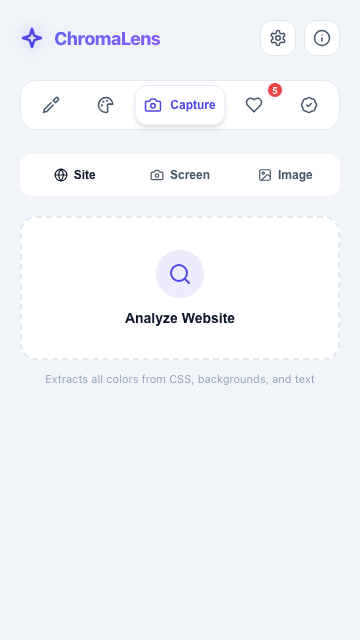
Dominant colors from any page's CSS, a selected screen region, or any image. Weighted k-means in CIELAB, so the results look like the page, not a blur.
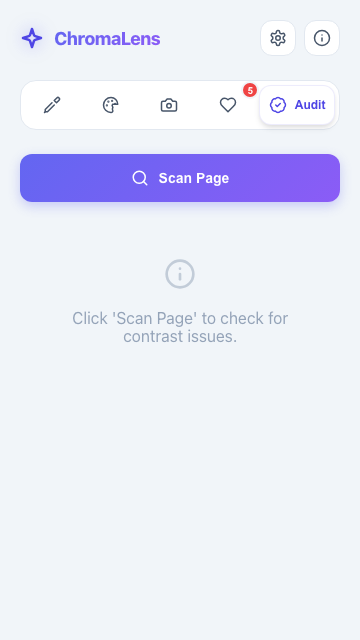
Scan any page for contrast failures. Get AA and AAA badges for every pair, plus recommended fix colors that pass.
Save any capture as a named palette. Load, rename, delete. Up to 50, stored locally.
One click to CSS variables, SCSS, Tailwind config, or JSON. Copy the whole palette or one value.
No analytics, no telemetry, no network calls. Favorites, recents, and palettes never leave your browser.
Three moves cover the whole color workflow. Nothing else in the way.
Grab the exact pixel from any page, window, or image with the loupe-precise picker.
Pull a palette from the page CSS, a screen region, or any image you right-click.
Ship as CSS variables, SCSS, Tailwind config, or JSON. Audit contrast before you commit.
Built with WXT and strict TypeScript on the modern MV3 manifest. Every build is produced from source by CI, and the code is small enough to read in an evening.
$ git clone https://github.com/webxlr8/Chromalens.git
$ cd Chromalens
$ pnpm install
$ pnpm dev        # Chrome with HMR
$ pnpm test       # 87 tests, green
$ pnpm build # .output/chrome-mv3Store listings ship with the stable release. Until then, the beta loads from source in about two minutes.
Clone and build the extension.
$ git clone https://github.com/webxlr8/Chromalens.git
$ cd Chromalens && pnpm install && pnpm buildChrome or Edge: open chrome://extensions, enable Developer mode, then Load unpacked and pick .output/chrome-mv3.
Firefox: open about:debugging, Load Temporary Add-on, and select .output/firefox-mv3/manifest.json.
ChromaLens targets MV3 on Chrome, Edge, Firefox, and Safari. When the stable release lands, it will be listed on:
Running the beta? Watch the repo for stable release announcements.Releases
Yes. MIT licensed, free forever, no account, no sign-up, no premium tier. The source is public and the build is reproducible from CI.
No. The extension makes zero network calls. Favorites, recents, palettes, and theme preference live in your browser local storage and never leave your device.
Chrome, Edge, and Firefox on the MV3 manifest, with a Safari build supported through WXT. The picker uses the native EyeDropper API where available and falls back to a screenshot picker with an 8x loupe elsewhere.
Pick up an issue or open a PR. CONTRIBUTING.md covers setup and the gates: compile, lint, 87 unit tests, and both browser builds must pass before merge.